Unveiling the Power of SELECT: Extracting Your Data with SQL
You’ve explored the building blocks of databases and the power of SQL. Now, it’s time to delve into the heart of data retrieval: the SELECT statement. Imagine the SELECT statement as a magic wand – with the right command, you can extract specific data from your tables like a magician pulling a rabbit from a hat!
Here’s what the SELECT statement can do:
- Retrieve all data: You can use SELECT to get everything from a table. Think of pulling out all the items from a drawer.
- Retrieve specific columns: Need only certain information? SELECT allows you to choose the exact columns you want, like picking specific items from the drawer.
- Filter data: Want to find only certain records that meet specific criteria? SELECT can filter data based on conditions, like searching for a particular item in your drawer.
- Sort data: Need the information in a specific order? SELECT allows you to sort the retrieved data alphabetically, numerically, or based on other criteria, just like arranging the items in your drawer.
Anatomy of a SELECT Statement:
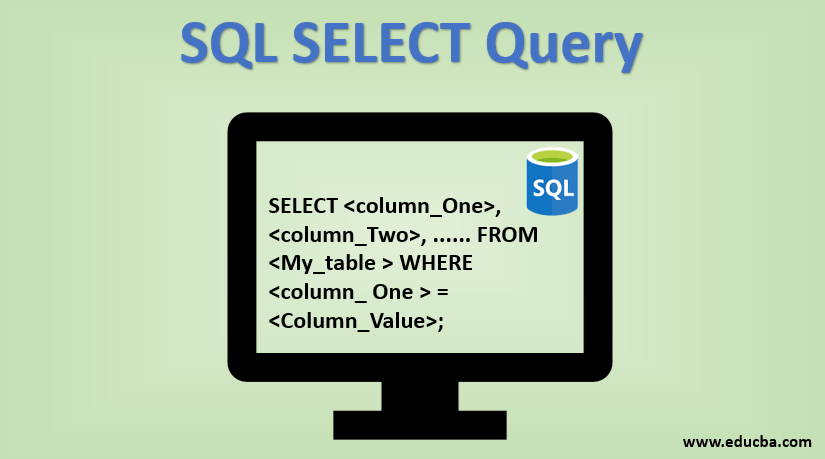
A basic SELECT statement follows this format:
SELECT column1, column2, ...
FROM table_name;
- SELECT: This keyword initiates the data retrieval process.
- column1, column2, …: This comma-separated list specifies the columns (data points) you want to retrieve. Use an asterisk (*) to select all columns.
- FROM: This keyword indicates the table from which you want to retrieve data.
- table_name: This is the name of the table you’re querying.
- ; The semicolon terminates the SQL statement.
Here are some examples of SELECT statements:
- Retrieve all data from the “Customers” table:
SELECT *
FROM Customers;
- Retrieve specific columns (Customer Name and Email) from the “Customers” table:
SELECT CustomerName, Email
FROM Customers;
- Filter data: Retrieve only customers from California (assuming there’s a “State” column)
SELECT *
FROM Customers
WHERE State = 'CA';
- Sort data: Retrieve all customers with their names listed alphabetically
SELECT *
FROM Customers
ORDER BY CustomerName;
Here’s what you’ll gain from this lesson:
- Understand the purpose and power of the SELECT statement in SQL.
- Grasp the basic syntax of a SELECT statement and its components.
- Learn how to retrieve all data, specific columns, and filter data based on conditions.
- Feel prepared to explore more advanced functionalities of the SELECT statement for sorting and combining data.
Remember: The SELECT statement is your gateway to unlocking the valuable information stored in your database. By mastering it, you’ll be well on your way to becoming a data analysis pro!
Bonus Tip: Throughout the course, we’ll break down various SELECT statement examples with real-world scenarios. We’ll practice filtering data, sorting information, and using wildcards for flexible data retrieval. Get ready to put your SQL skills to the test!