Unveiling Data Trends: Aggregate Functions in SQL
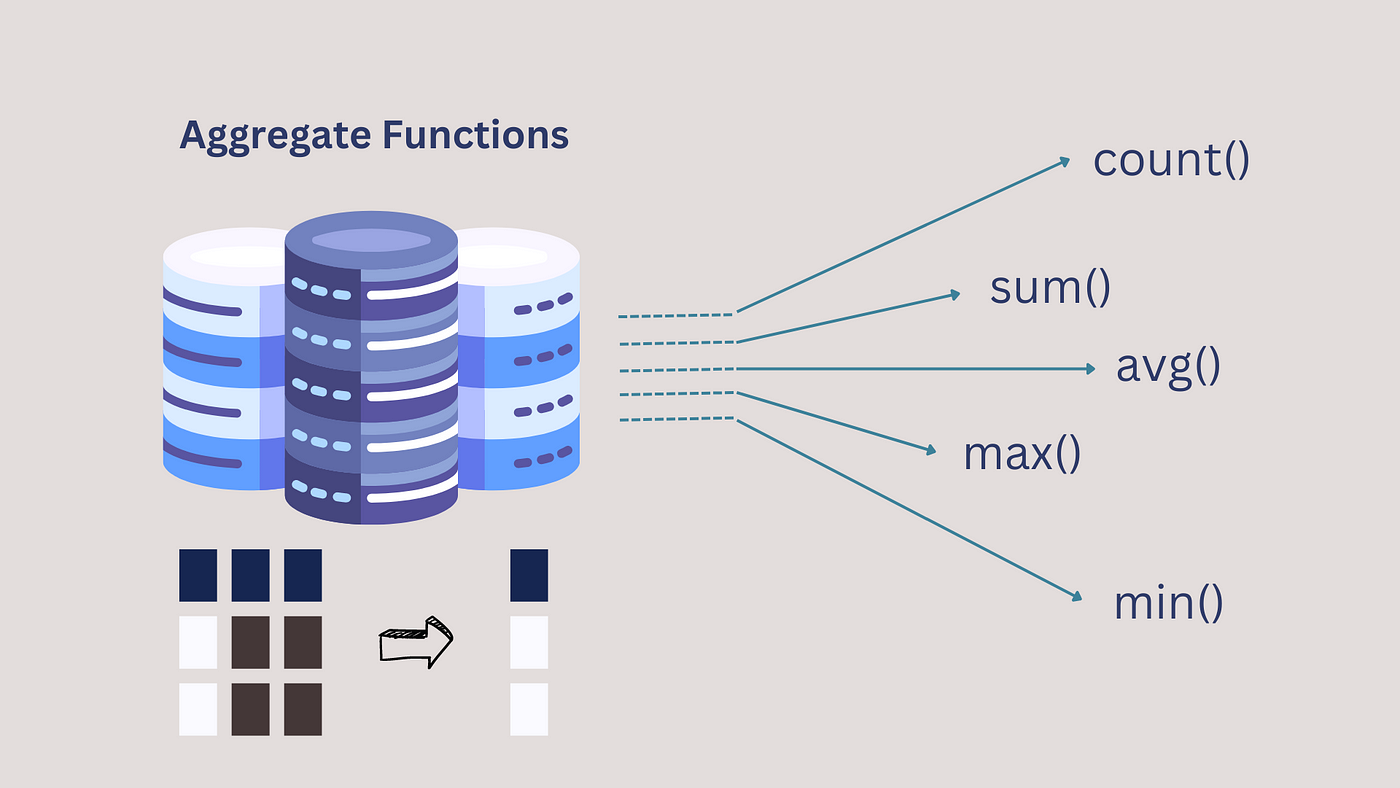
As you delve deeper into SQL, you’ll encounter a set of powerful tools called aggregate functions. Imagine a massive bag of candy – aggregate functions help you analyze that candy not by individual piece, but by useful categories like total number or average sweetness.
These functions take multiple data points from a column and summarize them into a single value, providing insights into your data trends.
Common Aggregate Functions in SQL:
- COUNT(*): Counts the total number of rows in a table or the number of non-null values in a specific column. Think of counting the total number of candies in the bag.
- SUM(column_name): Calculates the sum of all the values in a numeric column. Imagine finding the total weight of all the candies.
- AVG(column_name): Calculates the average of all the values in a numeric column. This is like finding the average sweetness of all the candies (assuming there’s a sweetness value for each candy).
- MIN(column_name): Returns the minimum value in a column. This would be the least sweet candy in the bag.
- MAX(column_name): Returns the maximum value in a column. This would be the sweetest candy in the bag.
Using Aggregate Functions with SELECT:
Aggregate functions are often used in conjunction with the SELECT statement to retrieve summarized data. Here’s the basic syntax:
SELECT aggregate_function(column_name) AS alias_name
FROM table_name;
- aggregate_function(): This is the function you want to use (COUNT, SUM, AVG, MIN, MAX).
- column_name: This specifies the column containing the data you want to summarize.
- AS alias_name (Optional): This assigns a friendly name to the result of the aggregate function.
Examples of Using Aggregate Functions:
- Count the total number of customers:
SELECT COUNT(*) AS TotalCustomers
FROM Customers;
- Calculate the total amount spent on orders:
SELECT SUM(Amount) AS TotalSales
FROM Orders;
- Find the average price of products:
SELECT AVG(Price) AS AveragePrice
FROM Products;
- Find the product with the highest price:
SELECT *
FROM Products
ORDER BY Price DESC
LIMIT 1;
Note: The last example uses ORDER BY and LIMIT alongside MAX to achieve finding the product with the highest price. We will cover these concepts in detail in future lessons.
Benefits of Using Aggregate Functions:
- Data Summarization: Aggregate functions condense large datasets into meaningful summaries, making it easier to identify trends and patterns.
- Data Analysis Efficiency: By providing quick summaries, aggregate functions save you time and effort compared to manually calculating these values.
- Improved Data Interpretation: Aggregate functions help you understand the bigger picture of your data by presenting summarized insights.
Here’s what you’ll gain from this lesson:
- Understand the concept and purpose of aggregate functions in SQL.
- Learn about commonly used aggregate functions like COUNT, SUM, AVG, MIN, and MAX.
- Grasp how to use aggregate functions with the
SELECTstatement to retrieve summarized data. - Appreciate the value of aggregate functions for data analysis and identifying trends.
Remember: Aggregate functions are essential tools for transforming raw data into valuable insights. By mastering these functions, you’ll be well-equipped to unlock the hidden patterns within your databases!
Bonus Tip: Throughout the course, we’ll explore various scenarios where aggregate functions are used for data analysis. We’ll practice calculating total sales, average order values, and other metrics to answer real-world business questions using SQL.